Guides

Long-form guidance on equation fidelity, formatting best practices, and clean document exports.

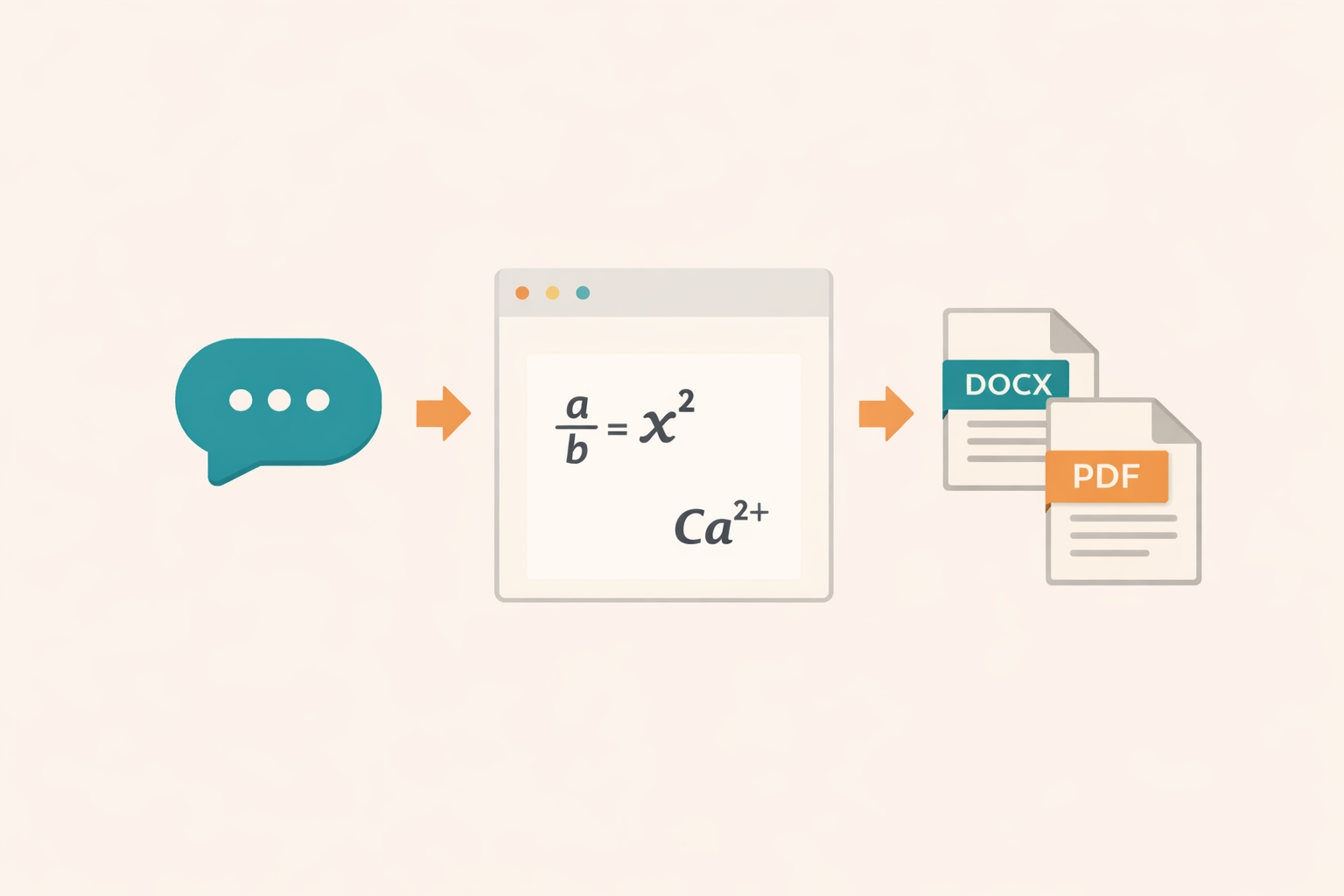
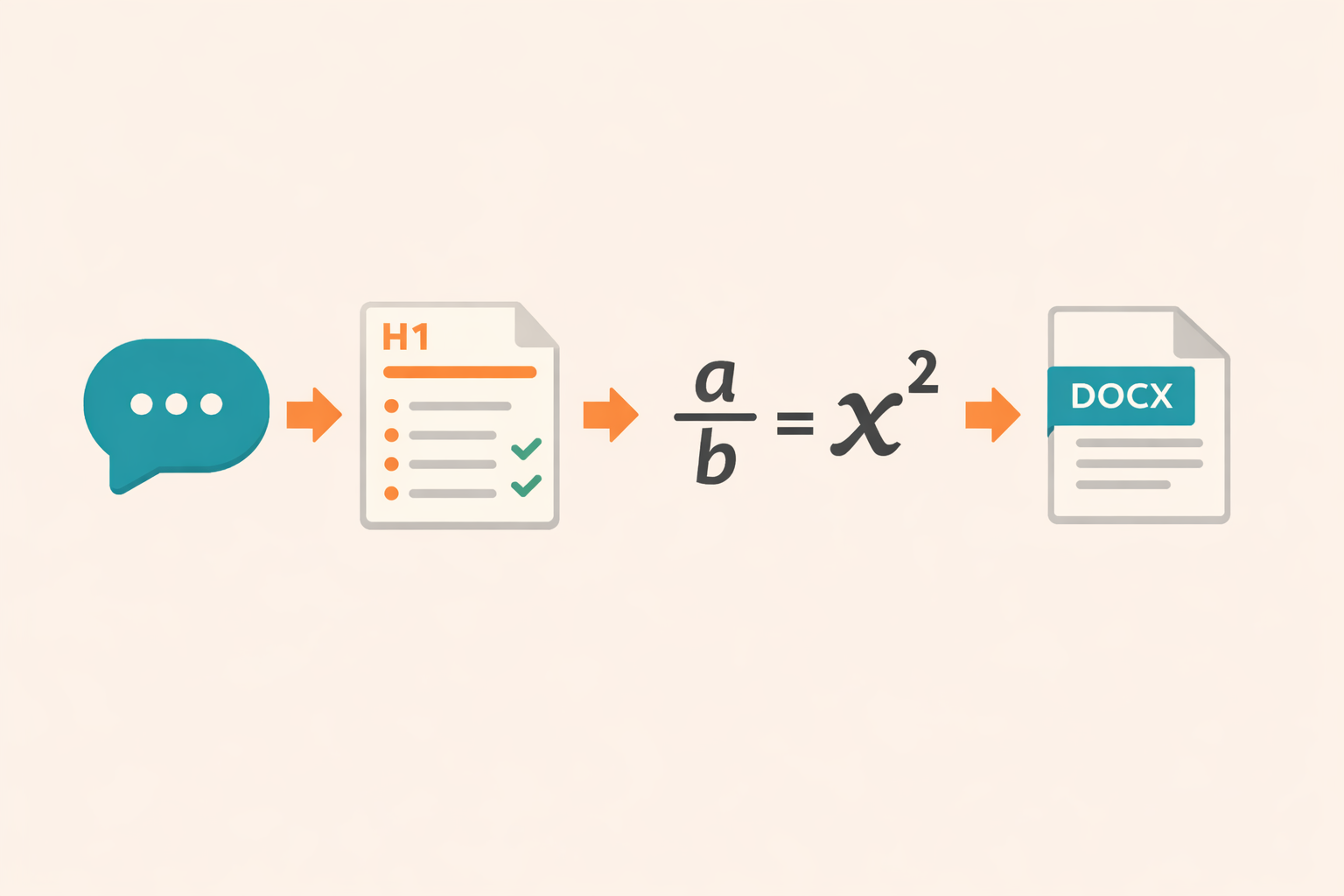
AI to DOCX workflow diagram for structured export

Complete tested workflow for converting AI text into DOCX

AI-generated explanations can look finished inside ChatGPT, Claude, or Gemini while still producing a poor Word document. The chat interface renders Markdown and mathematics for the screen. Microsoft Word expects document styles, list definitions, text runs, and native equation structures. A reliable conversion workflow...

Read guide

Longform report formatting for AI drafts

Longform reports are where AI output tends to drift. Sections grow unevenly, headings shift tone, and paragraphs become inconsistent. This guide shows how to format long reports before and after conversion so the DOCX stays stable and easy to review. If you are converting...

Read guide

Quality checklist before exporting DOCX

A DOCX export is only as good as the input text. Running a short quality checklist before conversion reduces errors, improves readability, and keeps reviewers happy. This guide provides a practical checklist you can reuse for every AI to DOCX workflow. Use this checklist...

Read guide

DOCX templates and styles for AI generated drafts

A DOCX file is more than text. Templates and styles define how a document looks and feels. If you want AI generated drafts to match a brand or publication standard, you need a simple template workflow after export. This guide explains how to apply...

Read guide

Privacy first workflows for AI document conversion

Privacy is a core requirement for many teams using AI. Documents often include sensitive research, client data, or internal strategy. This guide explains how to build a privacy first workflow when converting AI text to DOCX with AIText2Doc. For transparency around this website’s data...

Read guide